

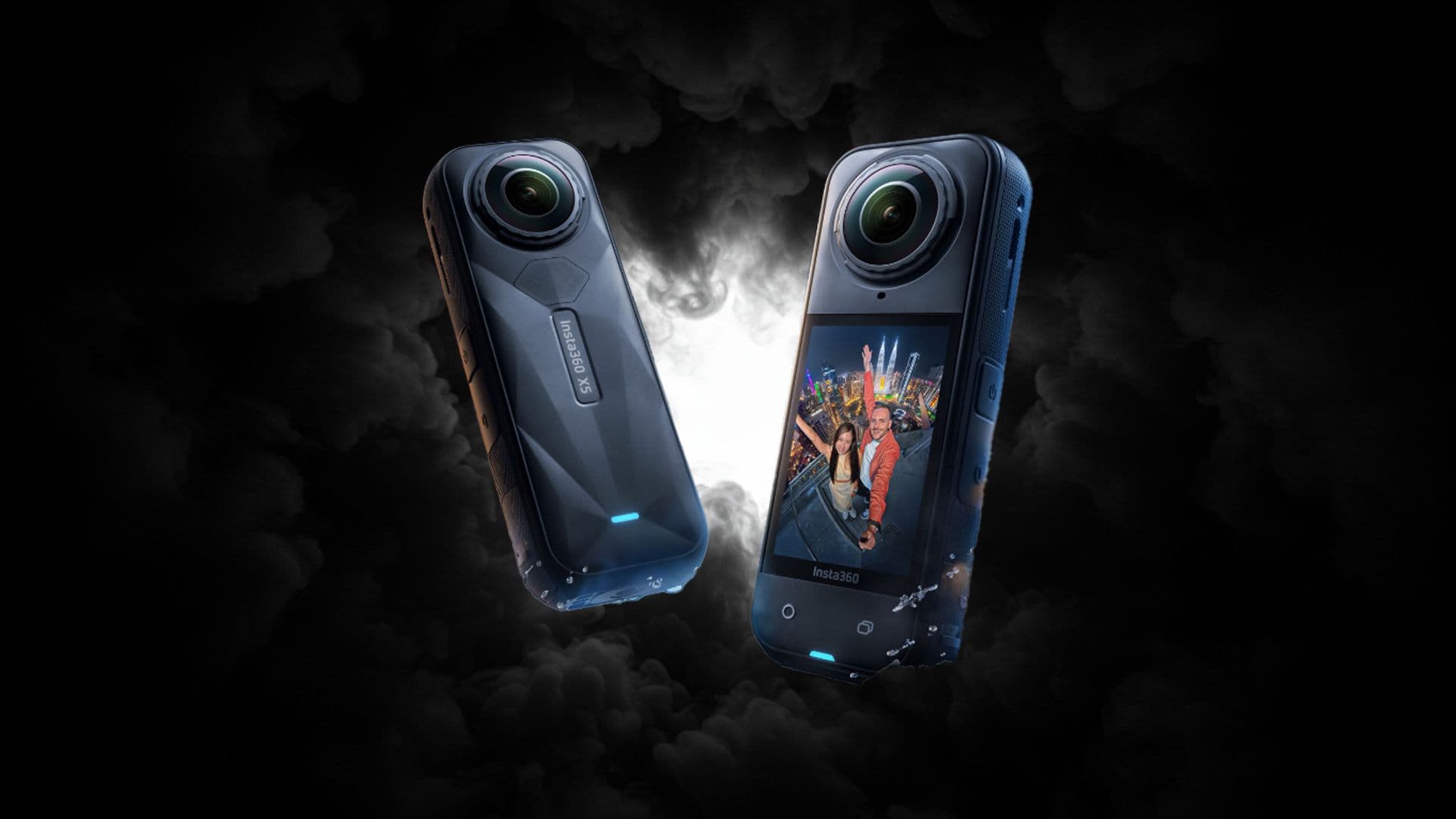
Insta360 X5: The Ultimate 360° Action Camera for Creators
The Insta360 X5 represents a paradigm shift in 360° action cameras, marrying flagship-level imaging with user-serviceable design and cutting-edge AI enhancements. Whether you’re an adventure filmmaker, a content creator, or a tech enthusiast, the X5’s larger dual 1/1.28" sensors, up to 8K30fps video, and replaceable-lens system ensure you capture every moment—no compromise, no limits. In this deep dive, we’ll unpack its standout features, setup tips, creative workflows, and maintenance best practices so you can get started effortlessly and push your 360° storytelling to new heights.
Core Hardware and Imaging Innovations
Dual 1/1.28" Sensors for Exceptional Low-Light Performance
At the heart of the X5 are two expansive 1/1.28" CMOS sensors—over 144% larger than its predecessor—that dramatically boost light-gathering capability. This sensor enlargement, paired with a fast f/2.0 aperture, delivers cleaner shadows and richer hues in dusk, dawn, or indoor settings. PureVideo Mode harnesses a dedicated AI chip to denoise frames in real time, producing crisp 8K30fps captures that retain fine detail even under challenging lighting.
Beyond noise reduction, the X5’s sensor duo exhibits an expanded dynamic range of up to 12 stops, preserving highlight details in bright skies and shadow fidelity in darker corners. This broad tonal latitude simplifies post-production, allowing colorists to push grades harder without worrying about banding or crushed blacks. For creators who work in mixed lighting—such as sunset hikes, nighttime cityscapes, or indoor sports events—the X5 delivers consistently balanced exposure across the entire 360° field.
8K30fps, 5.7K60fps & 4K120fps: Frame-Rate Flexibility
The X5 empowers creators with versatile frame-rate options to suit every scenario. Choose 8K at 30 fps for ultra-high-resolution panoramas, 5.7K at 60 fps for fluid motion in action sequences, or ramp up to 4K at 120 fps to craft cinematic slow-motion drama. Each mode retains Insta360’s hallmark FlowState stabilization and 360° Horizon Lock—so your footage remains rock-steady and level, regardless of whip-pans or rough terrain.
High frame rates come with increased storage and processing demands: 4K120fps can generate over 2 GB of data per minute. To optimize workflow, plan your shooting mode around your final deliverable: use 8K30fps for VR experiences and high-res reframes, 5.7K60fps for YouTube uploads or social media clips, and 4K120fps selectively for dramatic slow-motion sequences. Batch transcoding tools and proxy workflows in Premiere Pro or DaVinci Resolve help manage file sizes efficiently.
Replaceable-Lens Architecture for Field Repair
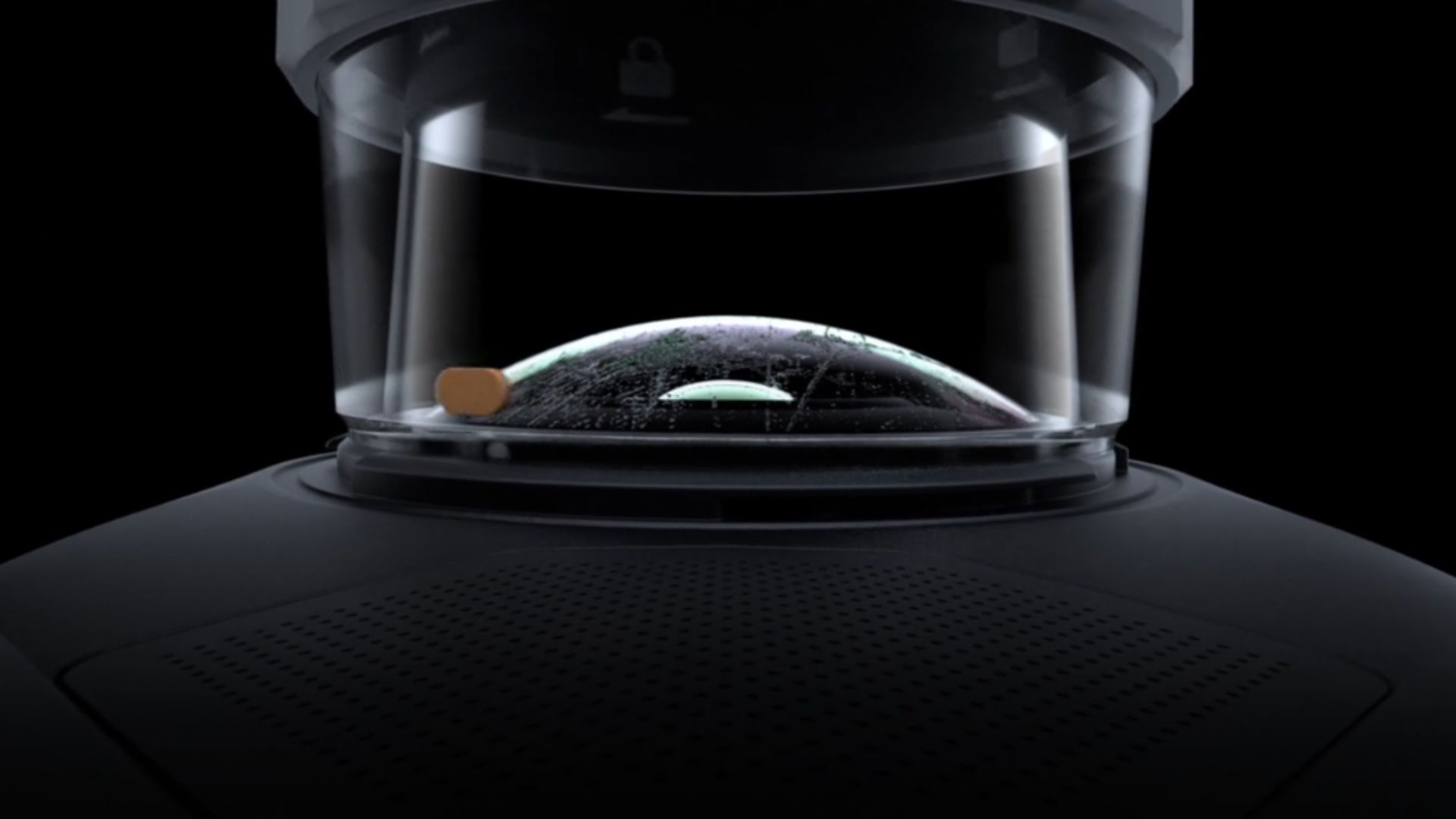
Durability meets sustainability with the X5’s groundbreaking replaceable-lens design. If your lens sustains scratches or damage, you can swap it out on the spot using the $29.99 DIY kit—no special tools required. This user-serviceable approach prolongs the camera’s lifespan and reduces electronic waste, making the X5 a future-proof investment.
The lens mount employs a robust bayonet locking mechanism and a silicone O-ring seal to maintain waterproofing and dust resistance. On-screen prompts ensure correct alignment and torque during lens changes, minimizing risks. For field operators—beach videographers, mountain bikers, or expedition teams—this modularity allows carrying multiple lens kits instead of redundant cameras.
Core Hardware And Imaging Innovations
Software Ecosystem and Creative Modes
Insta360 App & PureVideo Editing Suite
The Insta360 mobile and desktop apps seamlessly ingest X5 footage, leveraging AI-driven algorithms to stabilize, reframe, and color-grade clips. PureVideo editing elevates low-light shots, intelligently smoothing noise while preserving detail. Timeline controls and drag-and-drop storyboarding mean you can go from raw media to polished 360° content in minutes.
Advanced features like Keyframe Editing let you set spatial waypoints in the spherical timeline, generating dynamic pans, zooms, and tilts. LUT library integration enables one-click cinematic looks, and collaborative project exports retain metadata and AI analysis for multi-editor consistency.
InstaFrame: Dual-Format Recording
InstaFrame mode simultaneously records full 360° footage and a flat reframed video (e.g., 16:9). This dual-format workflow saves time in post and guarantees you never miss the perfect angle.
Dual encoding uses smart bitrate allocation, dedicating extra bandwidth to the primary output while maintaining reference quality on the secondary track. Multi-output recording also simplifies live-event coverage, letting broadcasters cut between immersive 360° and conventional angles without camera switches.
AI-Powered Shot Guidance & Auto Tracking
The X5’s AI offers real-time shot guidance, suggesting optimal framing and dynamic reframing as you pan or zoom. Auto Tracking intelligently locks onto subjects (people, vehicles, animals), keeping them centered in flat exports.
The neural network analyzes motion vectors and color histograms to anticipate trajectories, smoothing transitions and minimizing abrupt cuts. Solo operators can produce professional-grade content without a dedicated crew—ideal for action sports or wildlife videography.

Software Ecosystem And Creative Modes
Connectivity, Power, and Accessories
Long-Lasting Battery Life & Quick-Swap Design
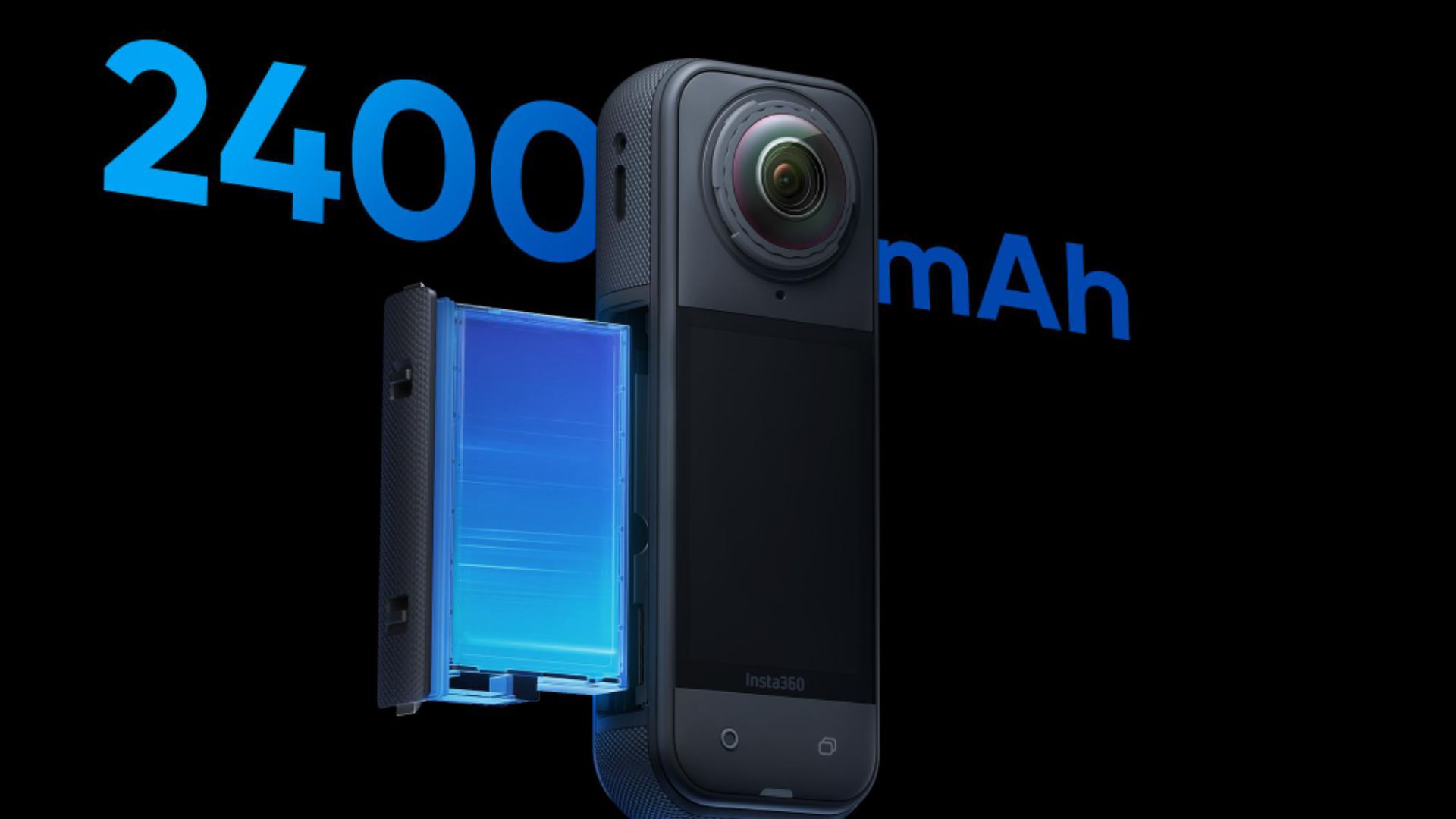
Equipped with a high-capacity 2400mAh battery, the X5 runs up to 185 minutes at 5.7K30fps in lab conditions. Spare batteries slide in for instant replacement. Fast USB-C charging replenishes 80% in under 50 minutes.
In cold environments, battery efficiency drops. A built-in thermal management system redistributes heat to maintain optimal performance. Insulated pouches for spare batteries are recommended during sub-freezing shoots.
IP68 Ruggedness & Twist-to-Shoot Simplicity
Built for adventure, the X5 meets IP68 standards—submersion up to 49 feet, resistant to dust, sand, and mud. Anodized aluminum housing is lightweight yet strong. Rubberized buttons and sealed ports stand up to saltwater and grit.
The Twist-to-Shoot control ring allows quick recording even with gloves or wet hands. Combined with the replaceable lens system, the ergonomic design ensures uninterrupted shooting flow.
Wireless Streaming & Bluetooth Remote Control
Wi-Fi and Bluetooth enable live-streaming or live preview via the Insta360 app. RTMP support allows direct broadcasting to YouTube, Facebook, or custom servers. Low-latency streaming ensures smooth feeds.
An optional Bluetooth remote triggers recordings or 72 MP stills remotely. Multi-camera rigs can be synchronized for simultaneous start/stop, simplifying multicam edits.
Connectivity Power And Accessories
Post-Production and Workflow Optimization
360° Stitching Accuracy & HDR Timelapse
The X5’s stitching algorithm ensures seamless joins, even when subjects cross stitching lines. HDR Timelapse captures bracketed exposures composited into high-dynamic-range sequences. Interval, exposure brackets, and duration are configurable in-app.
Log Mode & Color Grading Flexibility
Log profile retains maximum dynamic range for professional grading. LUTs in Premiere Pro or DaVinci Resolve allow cinematic looks while preserving highlight and shadow detail. Clean, uncompressed data enables heavy grading without noise or banding.
Cloud Backup & Collaborative Editing
Insta360+ cloud integration automatically backs up 360° files and allows collaborative editing. Encrypted storage keeps footage secure, with version history and permission management for larger teams.
Post Production And Workflow Optimization
Maintenance, Troubleshooting, and Future Upgrades
Routine Care for Optics and Sensors
Gently clean lens housing with a microfiber cloth, remove moisture, and use a blower brush for dust. Store the X5 in a padded, waterproof case. Check O-ring seals and lens mount threads periodically to maintain waterproof integrity.
Firmware Updates & Beta Features
Regular firmware updates bring performance enhancements, stability fixes, and beta features. Beta channels offer early access to HDR modes, improved Auto Tracking, and real-time AI tools. Back up footage before installing experimental firmware.
Modular Upgrades & Third-Party Lenses
Replaceable lens mounts enable third-party optics—ultra-wide, polarizing, or specialty filters. The open SDK supports accessories like lens adapters, sterilizable covers, and sensor modules. Modular workflow ensures readiness for aerial mapping, VR studios, or immersive research.
Your premier destination for new 360 releases and comprehensive coverage across the worlds of videography and photography. We bring you the latest industry news, technical insights, and creative breakthroughs.